Last updated on
Mapper Parser Exception (Revisited)
You sit down with heroic desk‑ramen. Graylog greets you with: 12,520 index failures. The culprit? A mysterious field rt failing date parsing.
Example error:
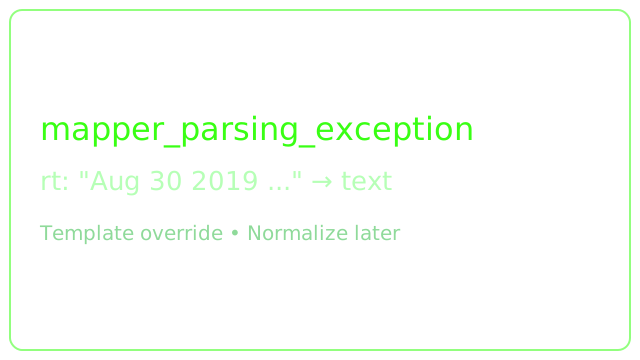
{"type":"mapper_parsing_exception","reason":"failed to parse field [rt] of type [date] in document with id '67b4e3f0-cb49-11e9-815d-005056aed827'","caused_by":{"type":"illegal_argument_exception","reason":"Invalid format: \"Aug 30 2019 13:12:29 GMT-04:00\""}}What I Know
- Field name:
rt - Format doesn’t match the defined date mapping
- Multiple sources, so its hard to isolate origin quickly
Strategy
- Stop the bleeding: map
rtastextto avoid parse failures. - Identify sources producing the odd format.
- Create a pipeline rule to normalize / transform into a proper timestamp.
- Remove the temporary mapping override when fixed.
Temporary Custom Index Template
Create rt-troubleshoot.json:
{
  "template": "graylog_*",
  "mappings": {
    "message": {
      "properties": {
        "rt": { "type": "text" }
      }
    }
  }
}
Apply:
curl -X PUT -d '@rt-troubleshoot.json' \
  'http://localhost:9200/_template/graylog-custom-mapping?pretty' \
  -H 'Content-Type: application/json'
Rotate index if desired to reduce legacy failures.
Locate Offenders
Search:
_exists_:rtInspect sources / devices injecting the funky format.
Normalize in Graylog Pipeline
rule "Cleanup - Trend DDI Date"
when
  has_field("rt") AND to_string($message.dvc) == "10.10.10.10"
then
  let new_date = parse_date(
    value: to_string($message.rt),
    pattern: "MMM dd yyyy HH:mm:ss 'GMT'Z"
  );
  set_field("timestamp", new_date);
  remove_field("rt");
end
Remove Temporary Template
curl -X DELETE 'http://localhost:9200/_template/graylog-custom-mapping?pretty' \
  -H 'Content-Type: application/json'
Lessons
- Prefer intentional mappings early-avoid implicit date guessing.
- Rapid containment (downgrade to text) preserves ingestion continuity.
- Always record transformation logic (pipeline rule) for incident retros.
Tags: graylog · logging · troubleshooting · elasticsearch